Skip to content

Local AI image search

Remember the photo.Search with a few words.

Describe a picture or use a reference image to find related photos in your own library.

macOS 12+ · Windows 10+ (64-bit)
Two ways to start: a description or a reference

ClipSeekIllustration
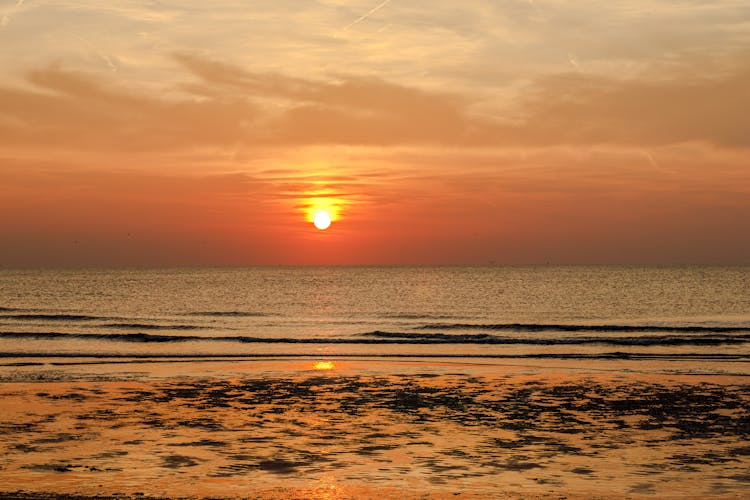
Sunset by the oceanImage
Sample sunset by the seaUse words to find related pictures
Sample sunset by the sea 1
IMG_001.jpg
Sample sunset by the sea 2
IMG_002.jpg
Sample sunset by the sea 3
IMG_003.jpg
Describe a visible subject, setting, and light
Processed locallyNo login requiredImport up to 5 GiB free

Search with words or a picture

Describe what is in the frame.

Try “a woman in an autumn forest.” Start with a subject and setting, then filter by Image, folder, or tag. You do not need the filename.

Visual search in ClipSeek with a scene description and matching media candidates

Visual search in ClipSeek with a scene description and matching media candidates

Have a reference? Find similar pictures.

Drag a picture into the search box, or right-click an asset and choose Find Similar. The reference is used for the query and is not automatically imported.

ClipSeek reference-image query with visually similar results in the media library

ClipSeek reference-image query with visually similar results in the media library

Three steps to find a photo

  1. 01

    Add a small collection

    Add a few familiar photos. Reference mode leaves originals in place.

  2. 02

    Build the visual index

    Wait for the visual index before searching by text or image.

  3. 03

    Describe, refine, and open

    Describe a scene, filter as needed, and open a photo to check it.

Installation guide

Search scope and limits

Read the guide
  • Search covers imported media, rather than pictures across the web.
  • Similar pictures do not establish identity or copyright ownership.
  • For missing results, shorten the query, clear filters, and check the index.

Common questions

How is this different from finding similar pictures on the web?

The desktop app searches your local library. The separate Free media page searches public stock sources.

Do I need to tag every picture first?

No. Once indexed, photos can be searched by their content. Tags and folders help narrow the results.

Can I search while my external drive is disconnected?

You can search existing indexes. Reconnect the drive at its recorded path to open or export originals.

Tutorials

Try your own files.