Relevant images make blog posts, newsletters, and tutorials easier to understand and more enjoyable to read. Finding the right illustration can take considerable time, however, and this is one area where AI can help.
There are two practical approaches. The first uses AI to understand your topic and match it with existing stock media. The second uses an image-generation model to create a new visual from a written prompt.
Start with photographs or illustrations you own, then look for clearly licensed stock media. Treat image generation as an option when suitable existing media is unavailable.
Method 1: Find an existing image
Existing stock media often looks more authentic and usually provides a clearer trail back to its source and license. In this example, we will use ClipSeek, which understands natural-language descriptions and matches them with media from multiple sources.
First, open ClipSeek:
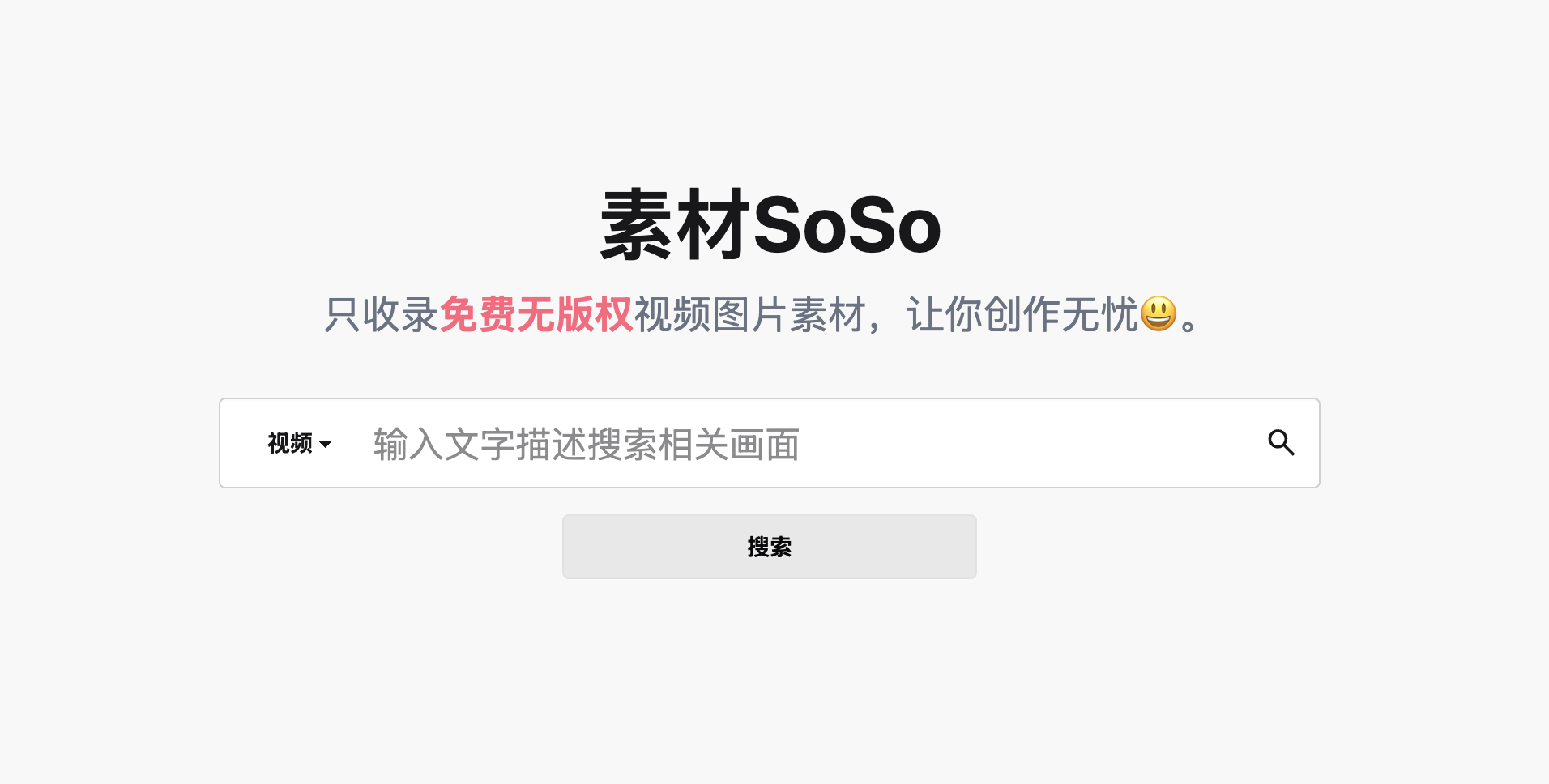
Select Photo, describe the scene you want, and start the search.
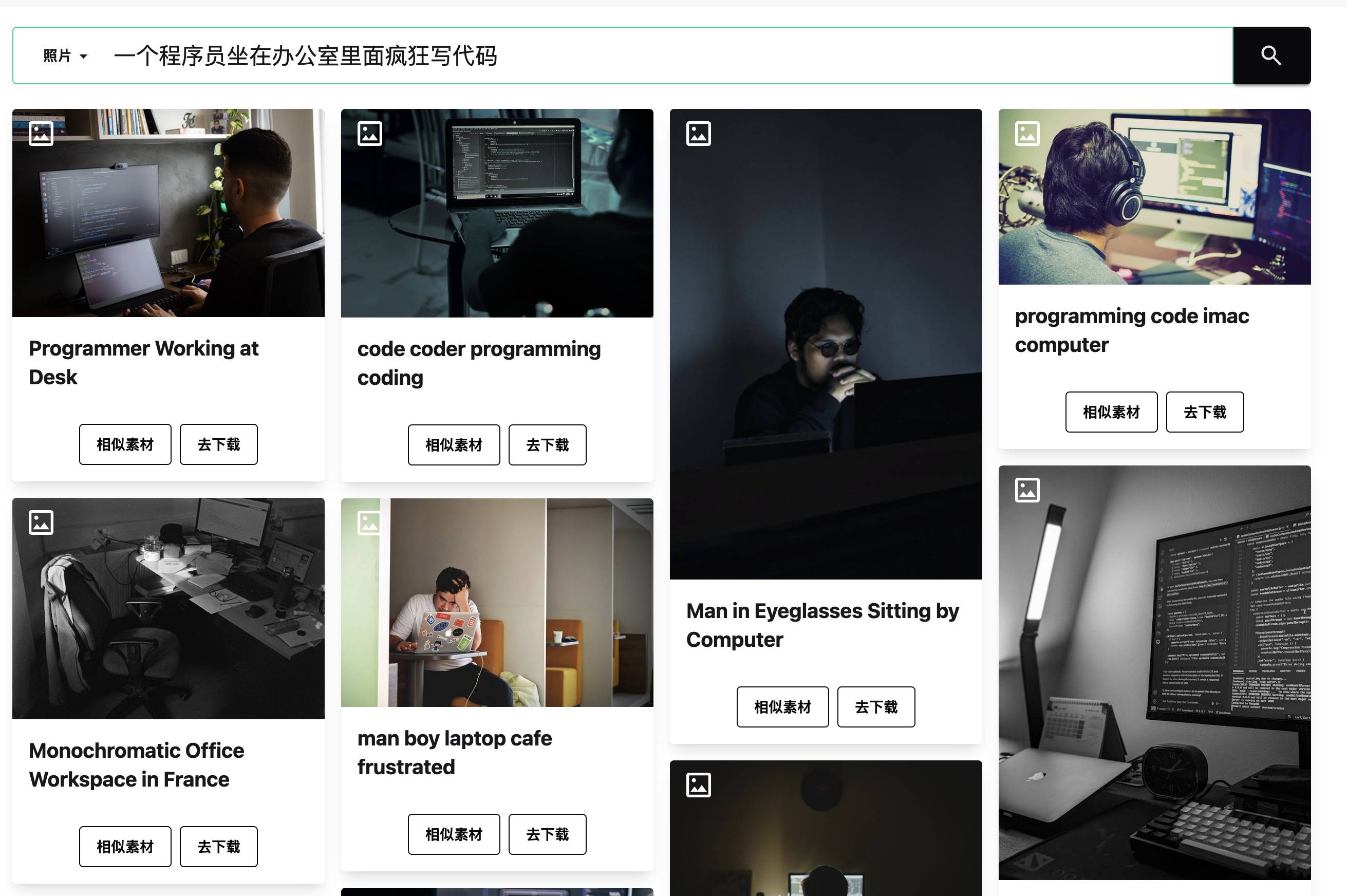
Choose an image that supports the surrounding paragraph, then visit its original source to confirm the latest license and attribution requirements.
Method 2: Generate an image with AI
When no stock image fits the idea, an image-generation tool can create a custom visual. A useful workflow is to first ask a language model to turn a short idea into a more complete prompt, then send that prompt to the image model.
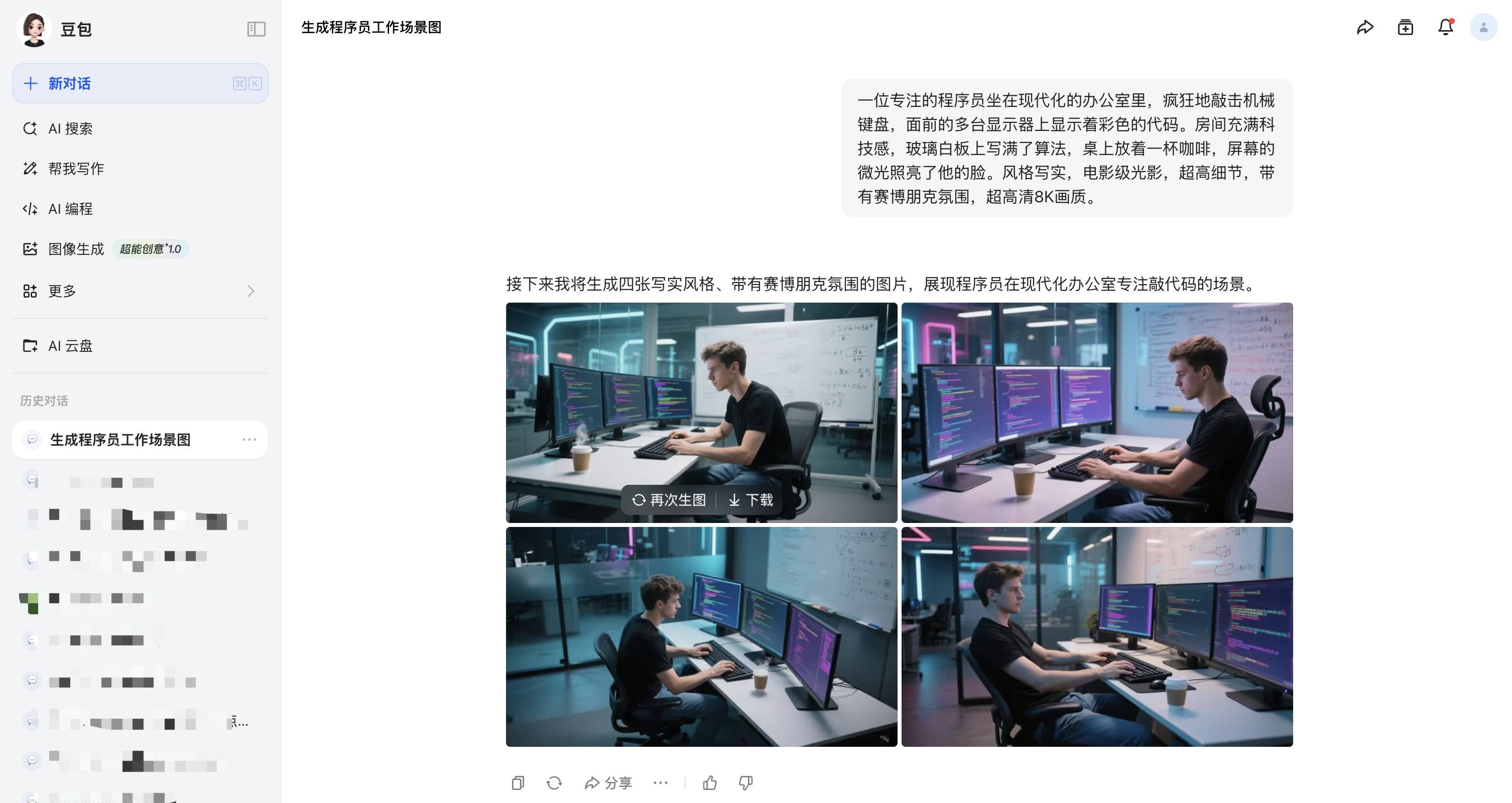
For example, expand “a programmer coding quickly in an office” with details about the subject, setting, lighting, camera angle, composition, and visual style.
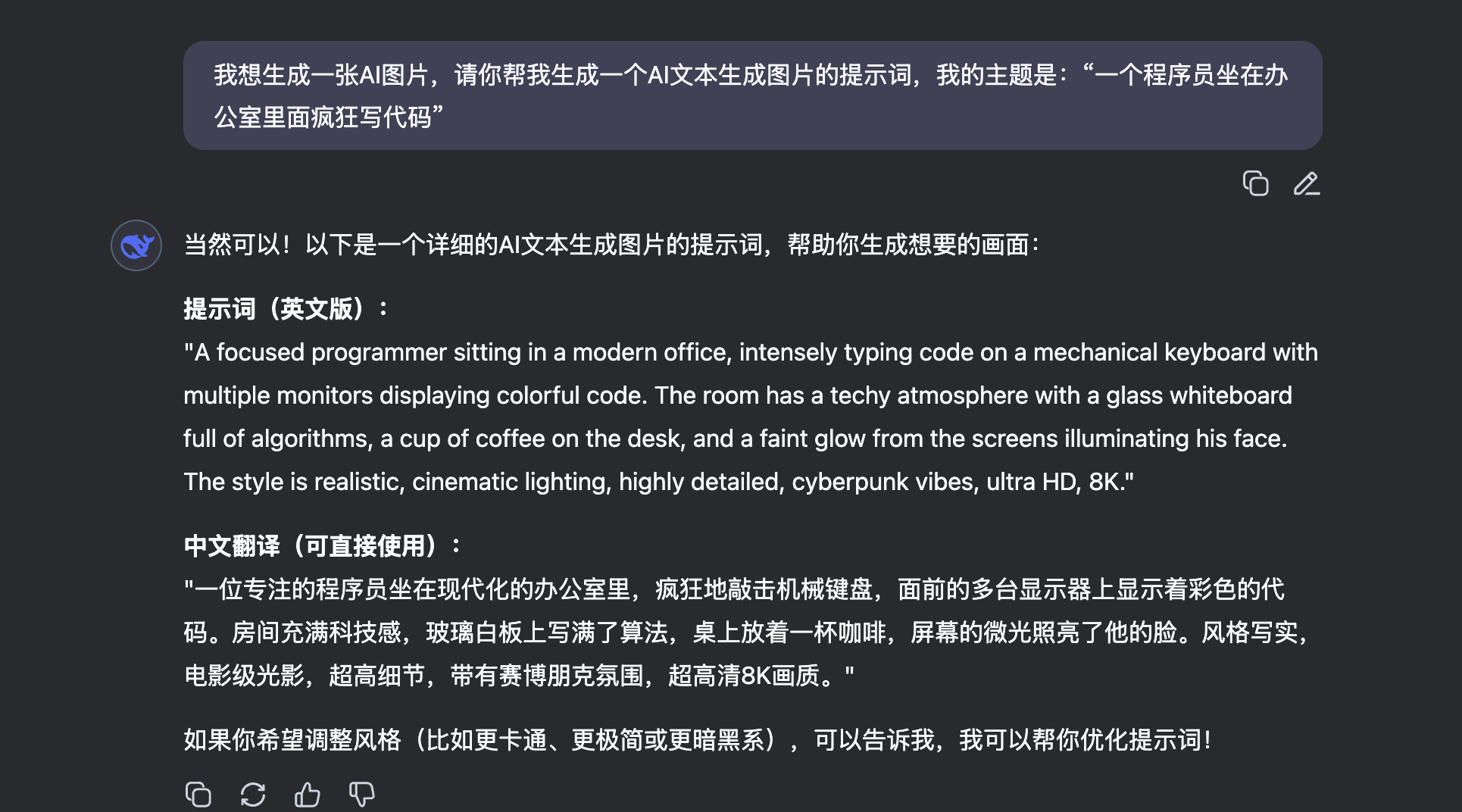
Next, copy the prompt into an image-generation platform. The example below uses Kling AI. If the first result is not right, revise the prompt’s subject, composition, color, and style before generating again.
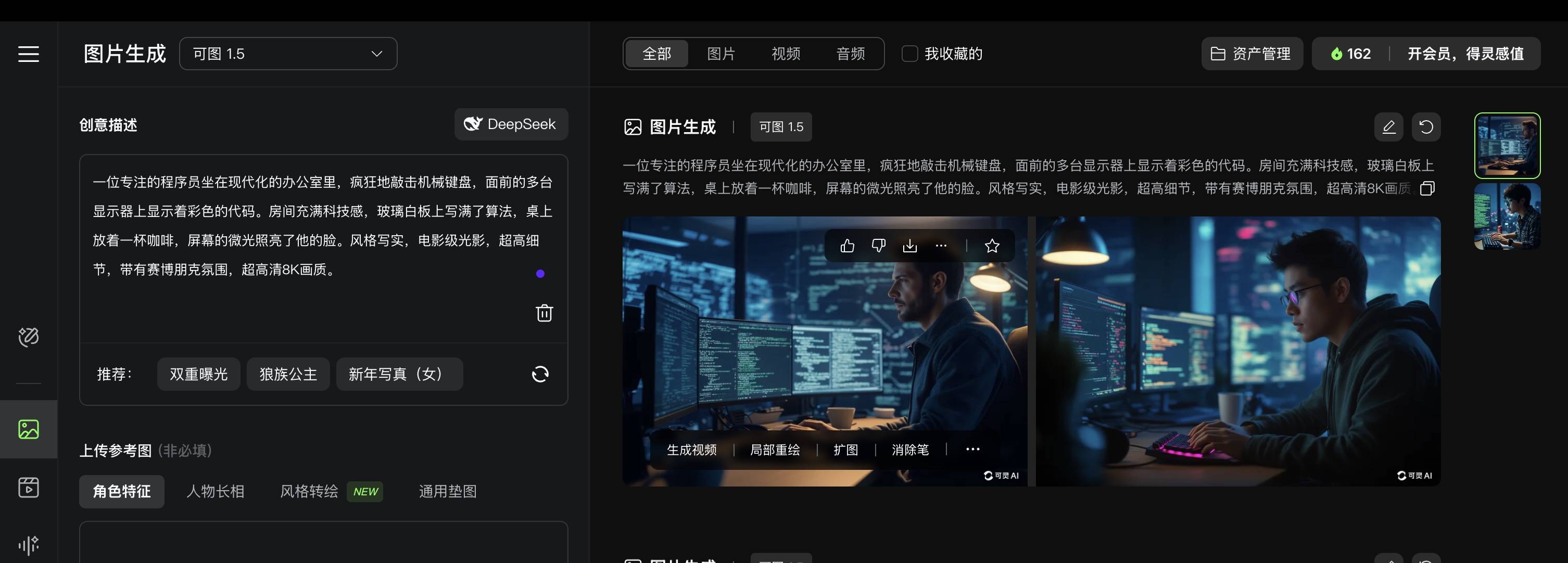
Other tools, such as Doubao AI, follow a similar process.
Which method should you choose?
A sensible order of preference is:
- Use a photo or illustration you created yourself.
- Search for existing media with clear licensing.
- Generate an image when neither option produces a suitable result.
Whichever method you choose, consider licensing, privacy, model releases, trademarks, and disclosure requirements. If an image is AI-generated, label it when the platform, publisher, or context calls for transparency.